Why it exists
Operational work becomes slower when performance views, client contexts and reporting signals live in too many places. DashFlow addresses that fragmentation with a single product structure focused on visibility and continuity.
DashFlow is a centralized workspace designed to support campaign monitoring, reporting, analytics and operational workflows across authorized client contexts.
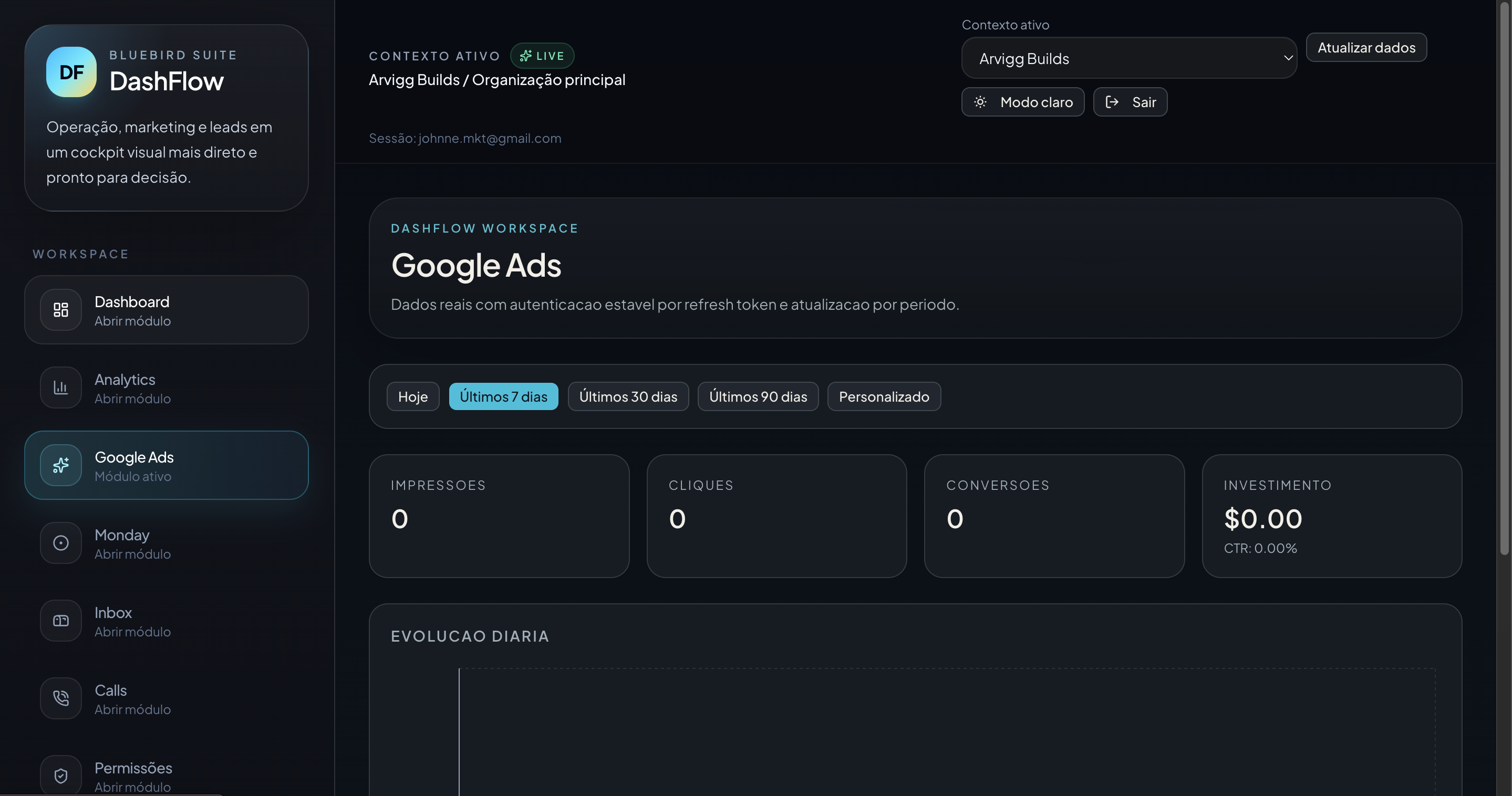
Built to reduce fragmentation across marketing tools and internal reporting routines.
DashFlow was created to centralize the operational surface around client accounts. Instead of forcing teams to move between isolated dashboards, spreadsheets, ad platforms and disconnected reports, it brings key views into one controlled workspace designed for authorized environments.
Operational work becomes slower when performance views, client contexts and reporting signals live in too many places. DashFlow addresses that fragmentation with a single product structure focused on visibility and continuity.
It gives teams a cleaner way to inspect campaign activity, monitor integration outputs, organize reporting inputs and keep account-level workflows connected to the right client context.
DashFlow supports real operational routines: selecting the active client context, reviewing module-specific data, checking signals across sources and maintaining a consistent decision surface for internal work.
Each module supports a practical slice of the operation, from general visibility to channel-specific review, communication touchpoints and access control.
Consolidated operational summary for the active client context.
Campaign visibility, performance organization and reporting support.
Traffic and event views prepared for clear interpretation and follow-up.
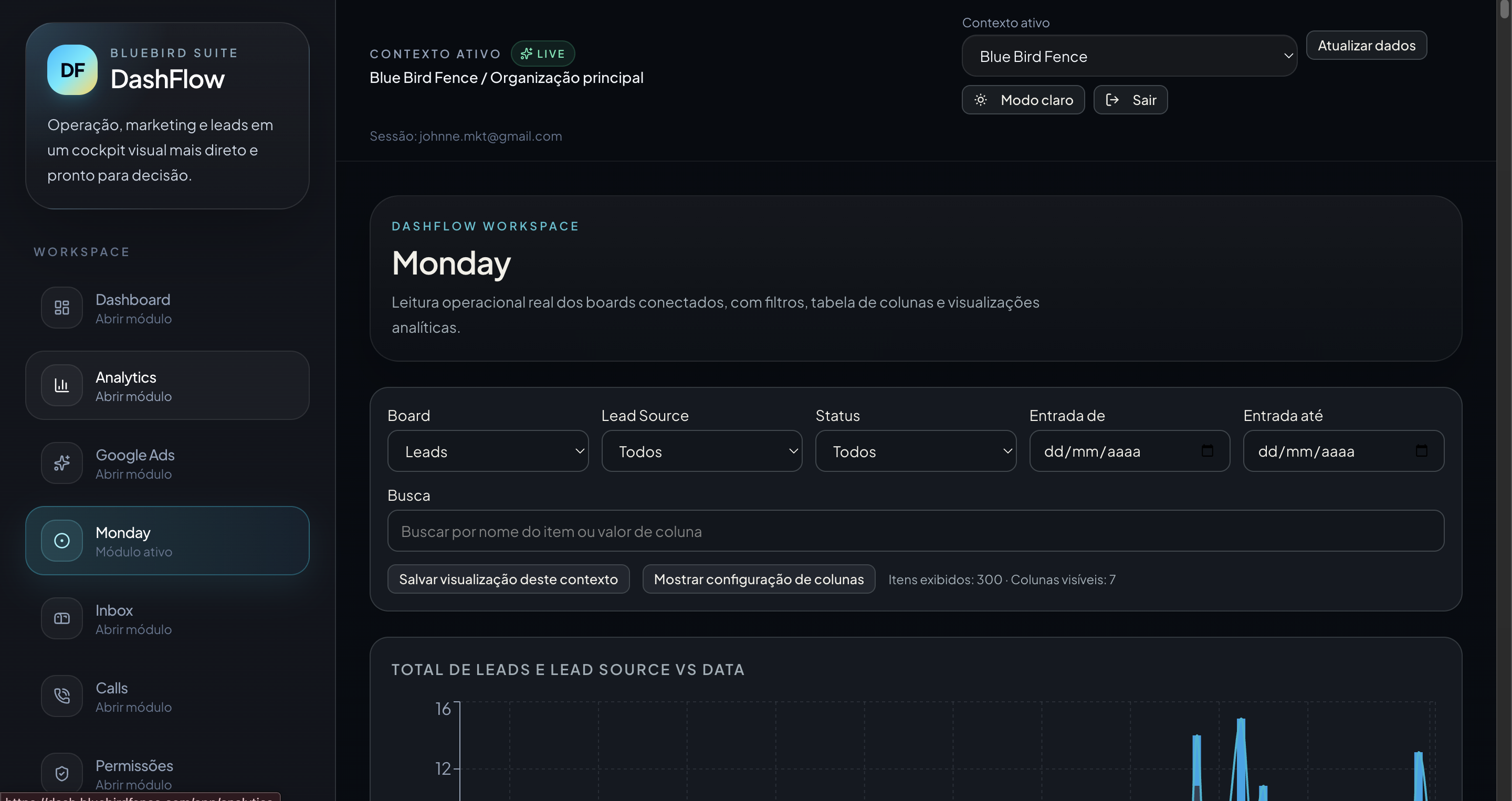
Board-level monitoring for workflow status, lead handling and operational context.
Central reference point for message-driven activity and communication tracking.
Operational visibility around call activity and related account handling routines.
Environment access control aligned with authorized client operations.
The layout below is ready to display local captures from the product. Replace or add files inside the assets folder to keep the page aligned with current development.
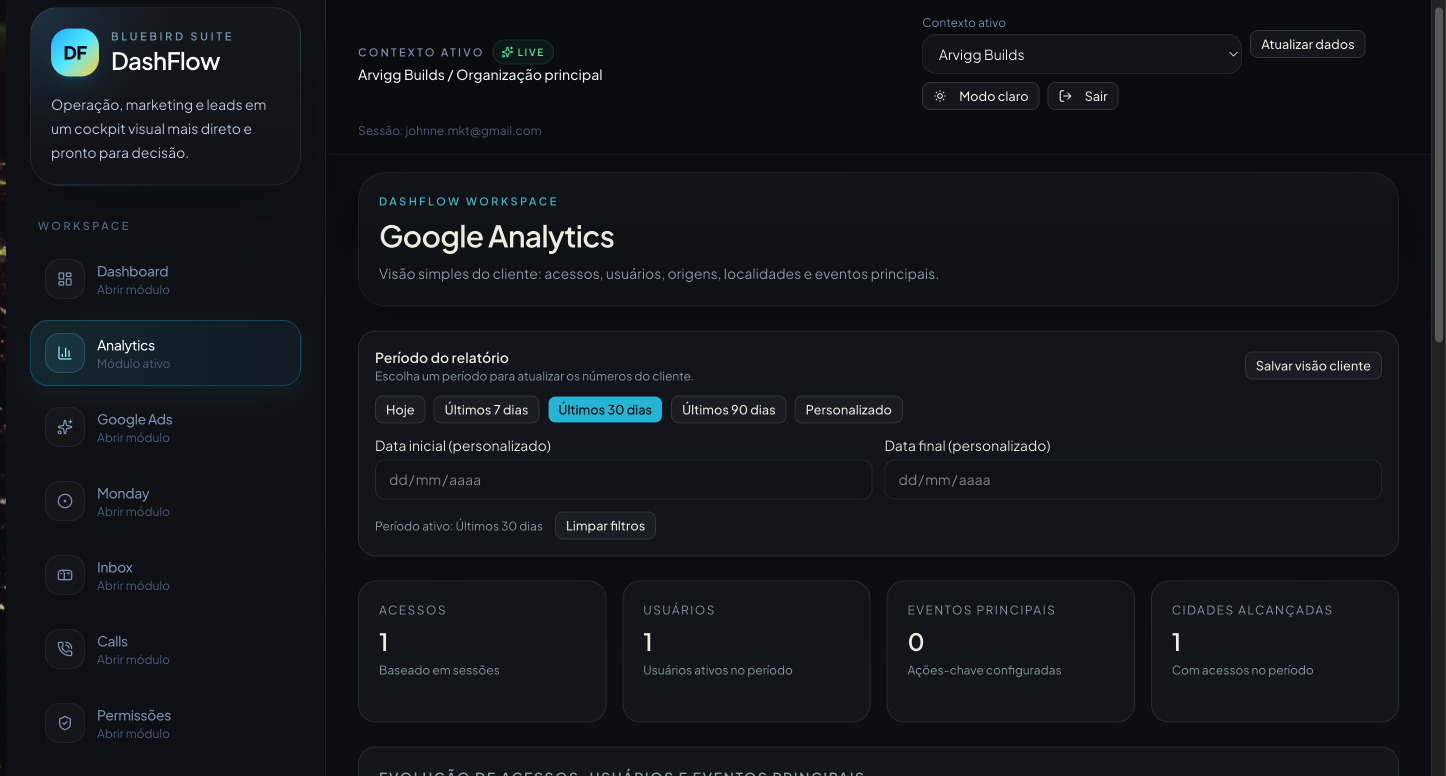
A central entry point for active context selection, broad platform visibility and organized navigation across client-facing modules.
A practical surface for checking campaign visibility, organizing date ranges and keeping paid media reporting signals available in context.
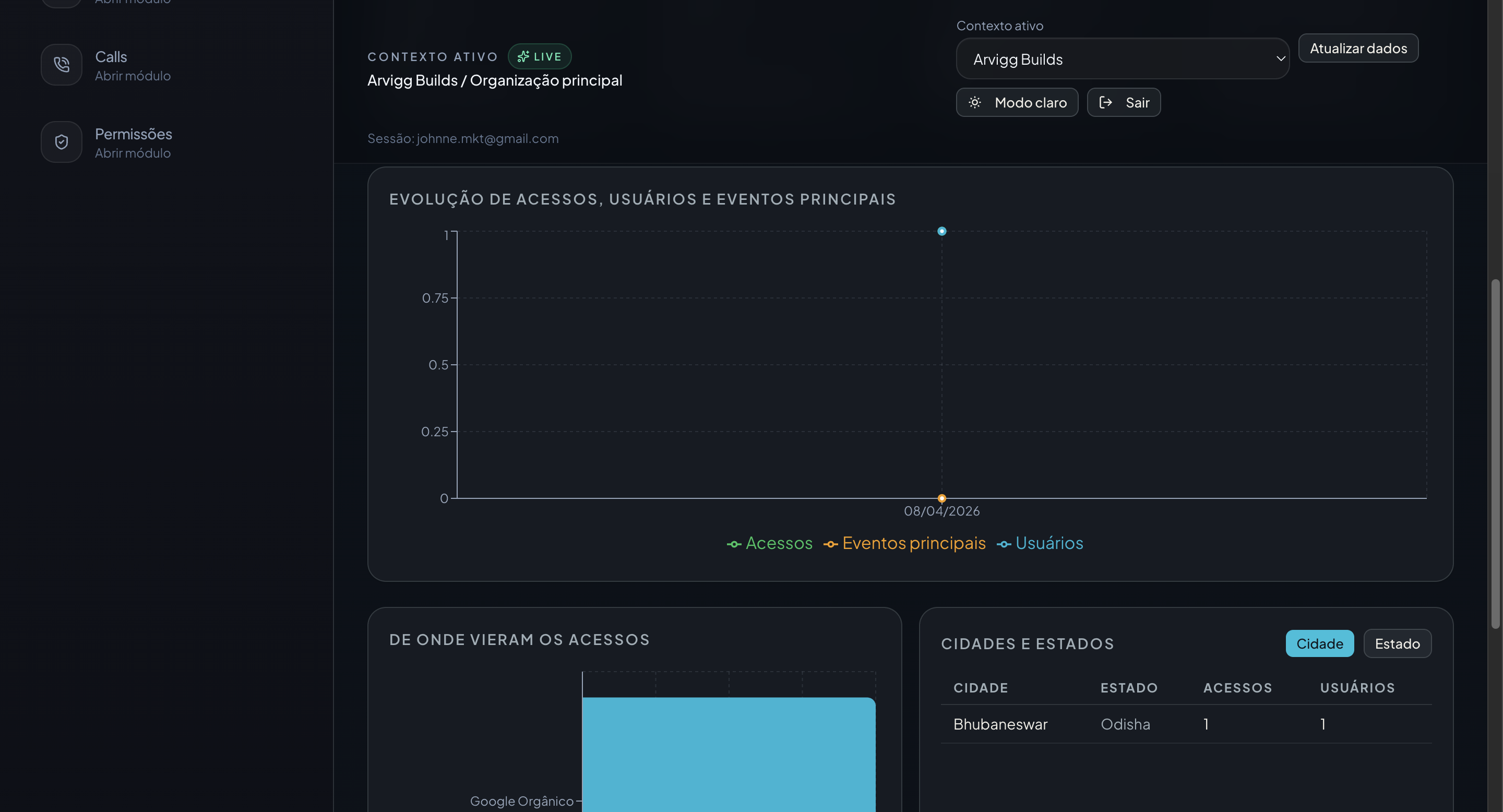
Analytics views are presented as operational references rather than isolated data exports, making them easier to inspect and compare inside the same workspace.
Task and lead-related board visibility remains within the same product layer, helping teams inspect ongoing operational movement without leaving context.
A broader product snapshot can be used here to represent the navigation system, visual consistency and product maturity of the workspace as a whole.
Start from the correct organization and environment before reviewing any data.
Keep the workspace aligned with the authorized integrations required for visibility.
Review dashboards, module outputs and workflow surfaces inside one product layer.
Use a consistent operational reference for internal follow-up and client reporting readiness.
The Google Ads area of DashFlow is designed to monitor campaign visibility, organize performance views, support optimization workflows, centralize reporting signals and identify operational issues without forcing teams into fragmented review patterns.
Bring the relevant client context, modules and reporting views into one place.
Reduce the friction of switching between disconnected tools for routine checks.
Keep account-specific decisions grounded in the right environment and data surface.
Maintain organized inputs that support more consistent internal and client-facing reporting.
DashFlow is being developed as a commercial product focused on marketing operations, reporting, analytics and client account visibility. The platform is currently offered through private access while the product continues to mature across real workflows.
The current product direction emphasizes operational consistency, structured module growth and practical use inside authorized environments rather than broad public positioning before the platform is ready.
DashFlow is available for direct contact regarding private access, product context and commercial conversations.